
Appearance
Free disc golf app
The free disc golf app for playing with friends.
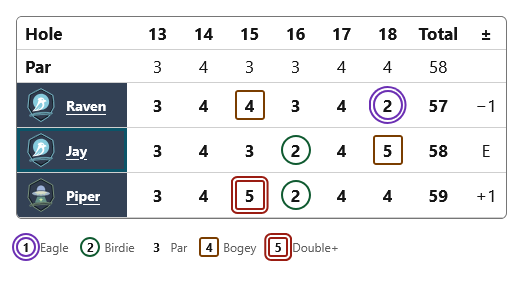
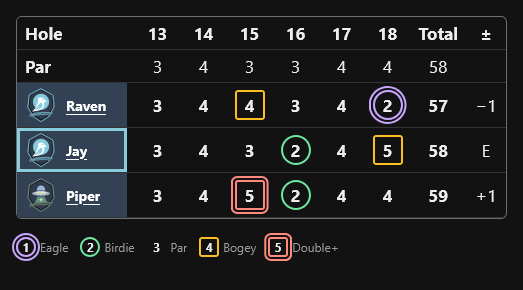
Keep score with friends, find courses, join open games and label your discs. Scoring works without signal.
On iPhone, open the app in Safari and add it to your Home Screen.
City Park DGC
Hole 7
Ana18 (−1) thru 6
Markoguest20 (+1) thru 6
Majaguest18 (−1) thru 6
- Free foreverEvery feature included
- Match and skinsFor settling things
- Public gamesWith hidden scores
- Disc labelsFor the one in the pond
Scoring
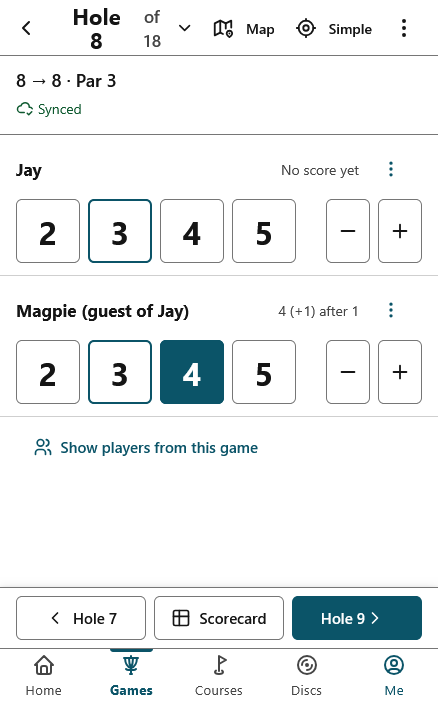
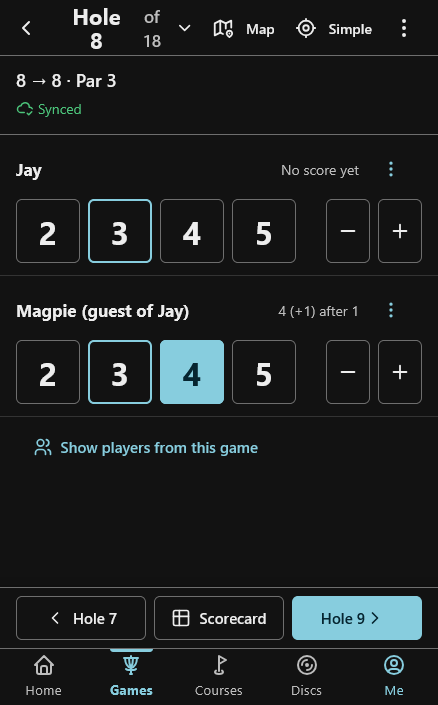
Tap once per hole. Or log every throw.
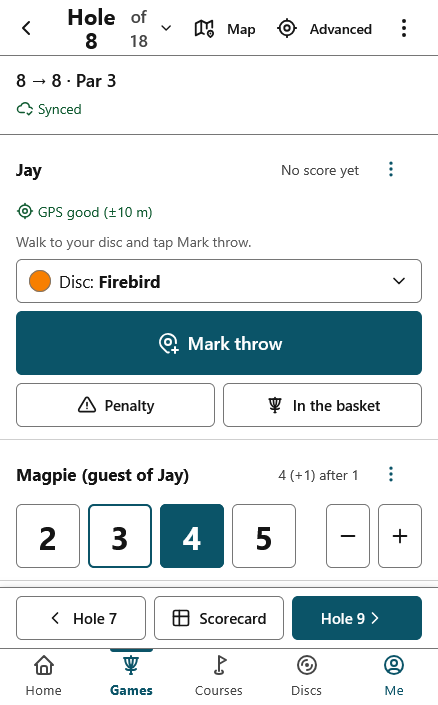
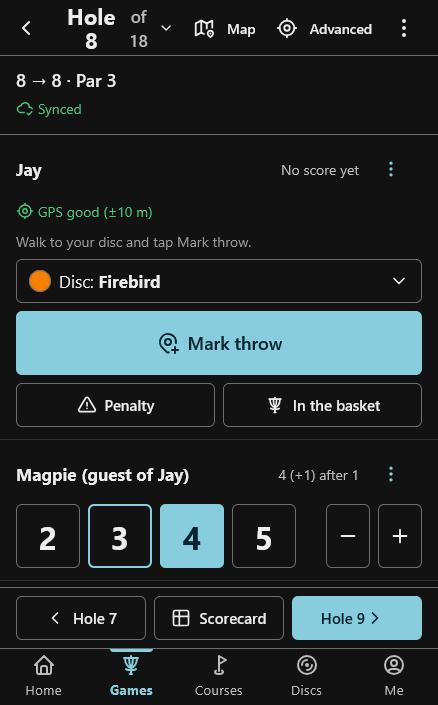
Most rounds, one tap per hole is all you need. Want the details? Advanced mode puts every throw on the map with the disc you used, so you can see exactly where the tree was.
Playing skins or match? You’ll always see who’s up and what the next hole is worth.
- Stroke, match play or skins.
- Score in two modes: Simple, one tap per hole, or Advanced, every throw marked with GPS and the disc you threw.
- Every game is saved in your history — and it’s always free!
Play with friends
Your friends don’t need the app.
Share the game code and anyone with Hyzeer scores on their own phone. Everyone else? Just add them as guests on your phone.
Lost discs
When you lose a disc.
Stick a QR label under the rim. If someone finds your disc, they can let you know where it is.
- 1Print labels
Plain paper or label sheets like Avery L7160 and HERMA 4571.
- 2Someone finds it
They scan the label and send you a message, a photo and the location. No app or account needed.
- 3Get Your Disc Back
If someone finds your lost disc, they can scan the QR code and send you a message with its location. No account needed for the finder!
Your discs have a better chance of finding their way back home.
5 | 4 | −1 | 1Found me? Scan to return
Public games
One game. Everyone plays when it suits them.
Pick a course and how long the game runs, anything from an afternoon to a month. Anyone nearby can jump in and play whenever they like. Turn on hidden scores and the results stay secret until the end, so everyone can keep believing they won.
Thursday challenge
LiveCity Park DGC · ends Sunday 20:00
1Ana Novak15 holes−5
2Luka P.Finished−4
3Marko Kranj12 holes−3
4Nina Z.9 holes−2
5Eva K.14 holes−1
6Jure B.7 holes+1
Courses
Open course data. Built by players.
Every course in Hyzeer is added and kept up to date by players. Found a missing course, a new layout or a basket in the wrong spot? Fix it in a few minutes, and everyone gets a better map.
All course data is open under the ODbL, with a public API. Use it in your own app, club website or project.
Course data on GitFree to play
Main 18Short teesWinter 9
Saved for offlineBasket 5 moved · 2 days ago
Your bag
Every disc you throw, in one place.
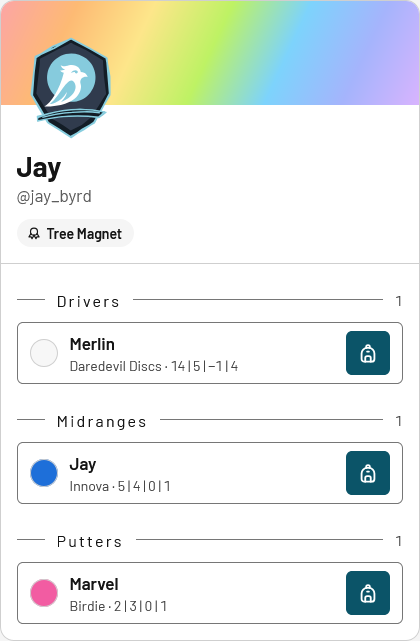
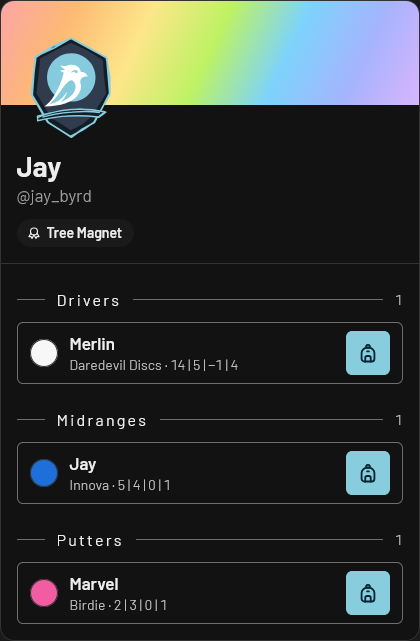
Keep your disc golf collection organized in one place. Manage your discs, build your perfect bag, and always know what you’re carrying before you hit the course.
Questions
Is there an iPhone app?
Hyzeer runs in Safari: open app.hyzeer.com and choose Share → Add to Home Screen. It works like an app, offline too.On Android, open it in Chrome the same way.
What if there’s no signal?
Keep scoring. Scores are saved on your phone and sync when you’re back online, and the app always shows what has synced.
Do my friends need an account?
No. Add them as guests by name and keep score for them. Friends with the app join with the game’s code and score on their own phone.
Who can see my games?
You choose for each game. In games with friends, outsiders see you as “Player 4” unless you allow your name, and your GPS throws stay visible only to you. In public games, everyone sees your name.
What does the finder see?
“You found a disc!”, advice on where to leave it, and a short form. Never your name, the disc’s name or anything else about you.